


If you are tired of the constant watering, terminal corrosion, and sluggish performance of your lead-acid batteries, upgrading your EZ-GO TXT to lithium is the single best investment you can make.
Converting to a lithium solution—like the Novaic GR Plus 105Ah—does more than just save weight; it transforms your cart's torque, charging speed, and overall reliability. In this guide, we’ll walk you through the professional way to convert your EZ-GO TXT from a heavy lead-acid setup to a high-performance lithium power plant.
Pre-Installation: What You’ll Need
Before you begin, ensure you have a clean workspace and the following:
The Battery Kit: A Novaic 48V LiFePO4 battery kit (includes integrated BMS, LCD dash screen, and dedicated charger).
Safety Gear: Safety glasses and insulated gloves.
Tools: Socket set (9/16" and 1/2"), wire cutters, heavy-duty zip ties, and a digital multimeter.
Cleaning Supplies: A mixture of baking soda and water to neutralize any old acid spills in the tray.
Step-by-Step Installation Process
1. Remove the Old Lead-Acid Batteries: Safety First
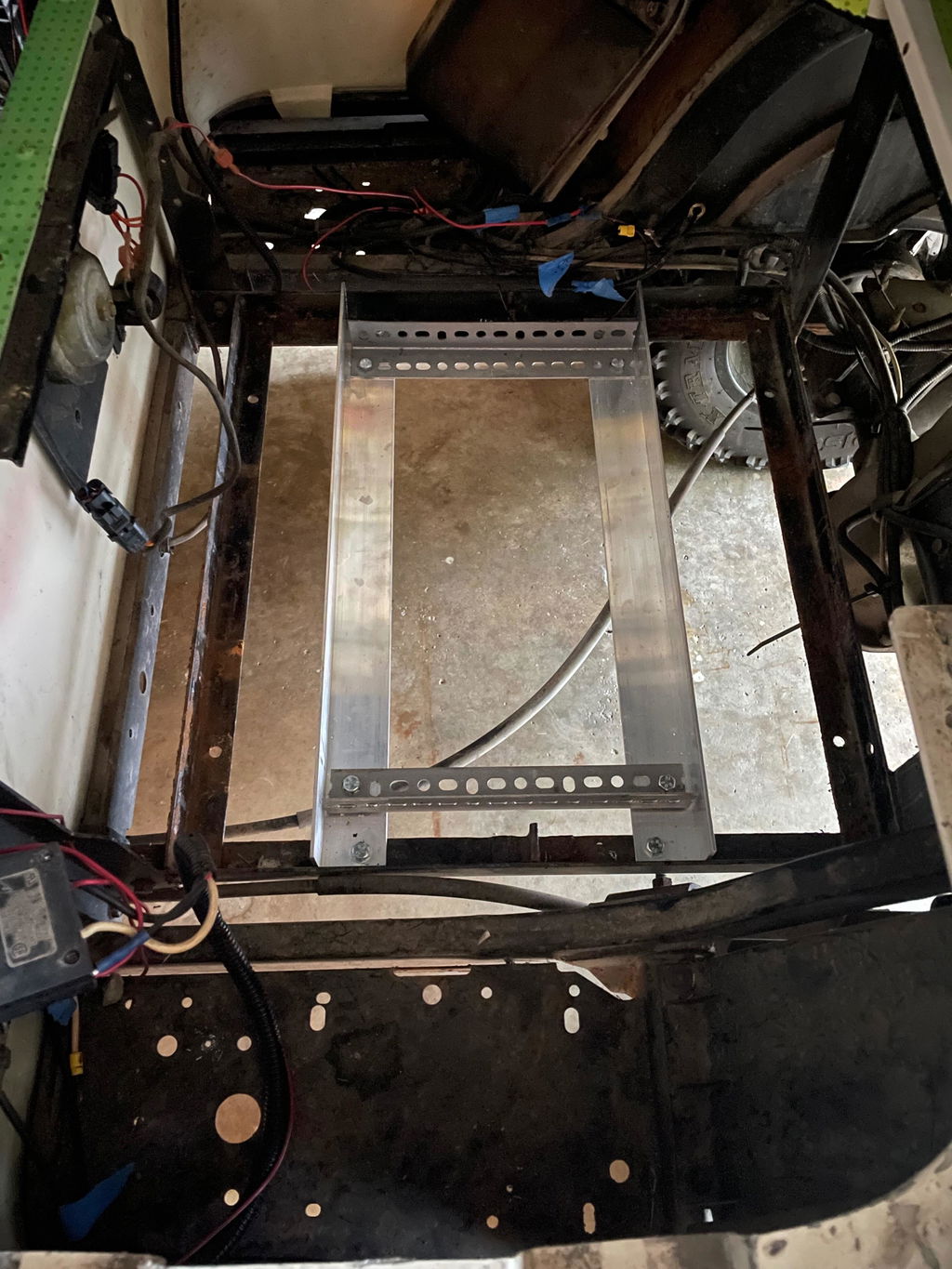
Turn the "Run/Tow" switch to the TOW position—this is critical to protect your controller. Disconnect the main negative (-) cable first, then the main positive (+) cable. Remove all series jumper wires and lift out the heavy lead-acid batteries.
Pro Tip: This is the best time to scrub the battery tray. Removing old acid now prevents frame rust later.
2. Install the Novaic Lithium Unit: Weight Reduction
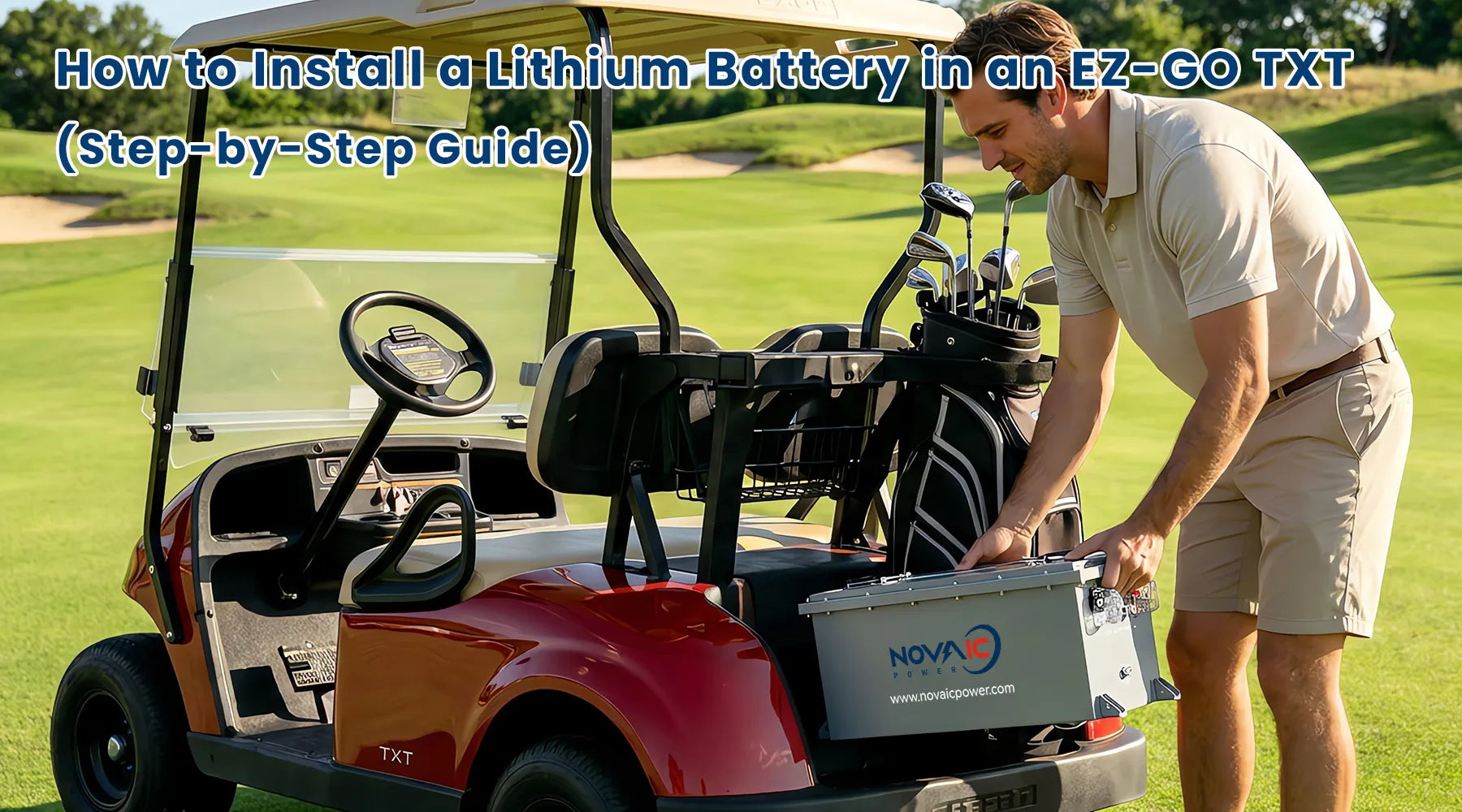
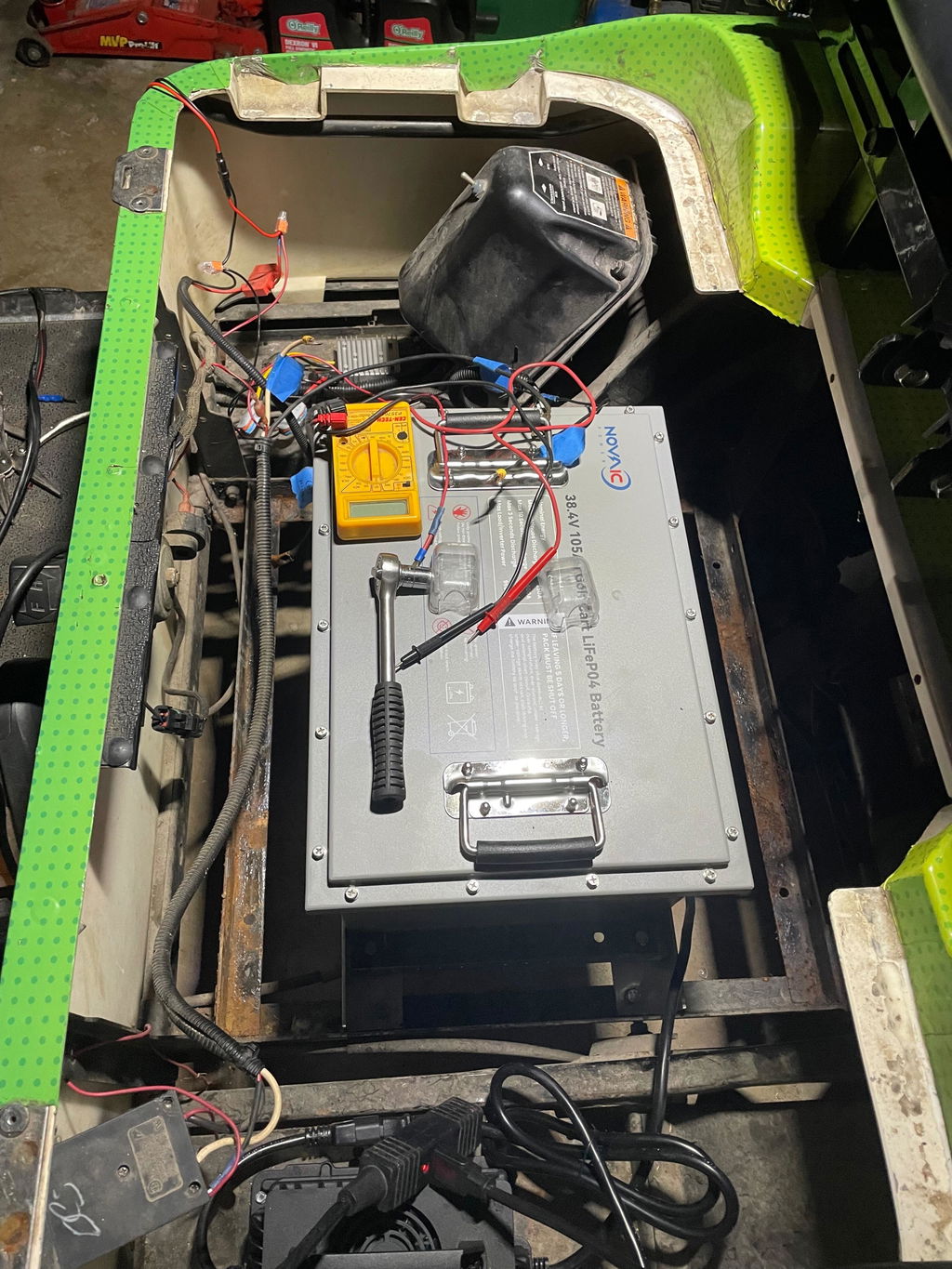
Place your new Novaic lithium battery into the center of the battery tray. Since lithium batteries are significantly lighter (saving up to 300 lbs!), use the provided mounting brackets to secure the unit. Ensure the battery is snug and won't shift during high-speed turns or bumps.
3. Connect the Voltage Reducer: Protect the Electronics
If your EZ-GO TXT has lights, a radio, or a horn, you will need a 48V-to-12V DC converter. Connect the input of the reducer to the main terminals of the lithium battery. This ensures your 12V accessories don't pull uneven power from individual cells.
4. Wire the Main Terminals: Secure Connections
Connect the cart’s main Positive (+) cable to the battery's positive terminal, then connect the main Negative (-) cable to the negative terminal.
Important: Use a torque wrench to ensure connections are tight. Loose terminals are the #1 cause of heat buildup and BMS trips.
5. Install the LCD Dash Display: Smart Monitoring
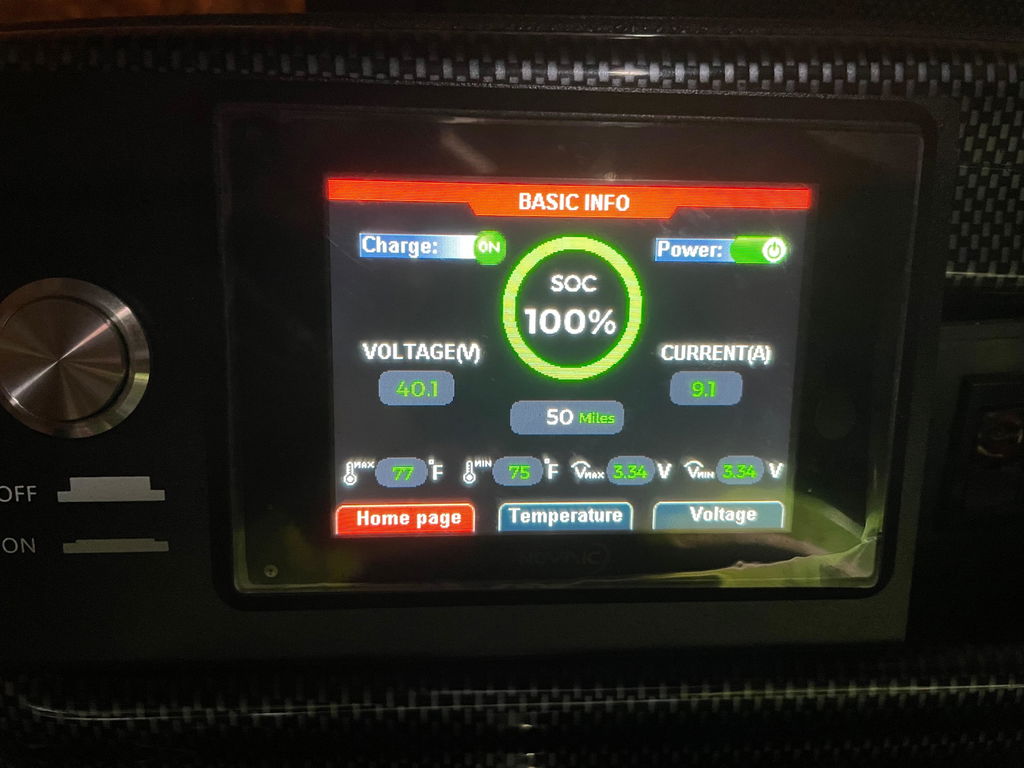
Mount the Novaic smart LCD screen onto your dashboard. Run the communication cable back to the battery’s RS485 or CAN port. This "fuel gauge" provides real-time data on voltage, remaining capacity, and even battery temperature.
6. System Test: Ready to Drive
Turn on the circuit breaker on the battery. Long-press the button on the LCD screen to wake up the BMS. Flip the "Run/Tow" switch back to RUN. Turn the key and check the LCD screen for a healthy voltage reading (typically around 51.2V - 53V for a 48V system). Take a slow test drive to ensure the throttle response is smooth.
Why the Novaic GR Plus is the Perfect Fit for EZ-GO TXT
The EZ-GO TXT is a legendary workhorse, but its battery compartment can be tight. The Novaic GR Plus series is engineered with a "Thru-Hole" mounting design and a slim profile, allowing it to drop into the TXT's tray without the need for cutting or welding.
| Feature | Lead-Acid Batteries (6x8V) | Novaic Lithium 105Ah |
| Total Weight | ~380 lbs | ~95 lbs |
| Maintenance | Monthly watering & cleaning | Zero Maintenance |
| Charging Time | 8 - 12 Hours | 3 - 5 Hours |
| Lifespan | 2 - 4 Years | 10+ Years |
Ready to Upgrade?
Don't let heavy, corroded batteries hold your EZ-GO back. Upgrading to the Novaic Lithium system is a "set it and forget it" solution that brings your classic cart into the modern era.
Have questions about your specific EZ-GO model? Feel free to reach out to our technical team or browse our compatibility guide to find the perfect kit for your ride!
Share:
Upgrade Your Golf Cart with Novaic LT 36V 105Ah LiFePO4 Battery
Common Lithium Battery Issues and Quick Solutions for Golf Carts